QuadrotixKeine Organisation
Bereiche

Tickets, bookings and registration form

The backbone of every event: ticket types, quotas and a registration form that adapts to the event at hand.

Unlimited ticket types

Quotas, sales periods, minimum and maximum quantities per ticket type, plus add-ons and donations.

Promo codes

Percentage, fixed amount or unlock codes, several codes per booking, bulk-generated single-use codes.

Form builder

Twelve field types, fields per person or per order, required fields, options with their own price, and a live preview.

Managing bookings

A filterable list, rebooking, cancelling, approving, a waiting list, and an access code for closed events.
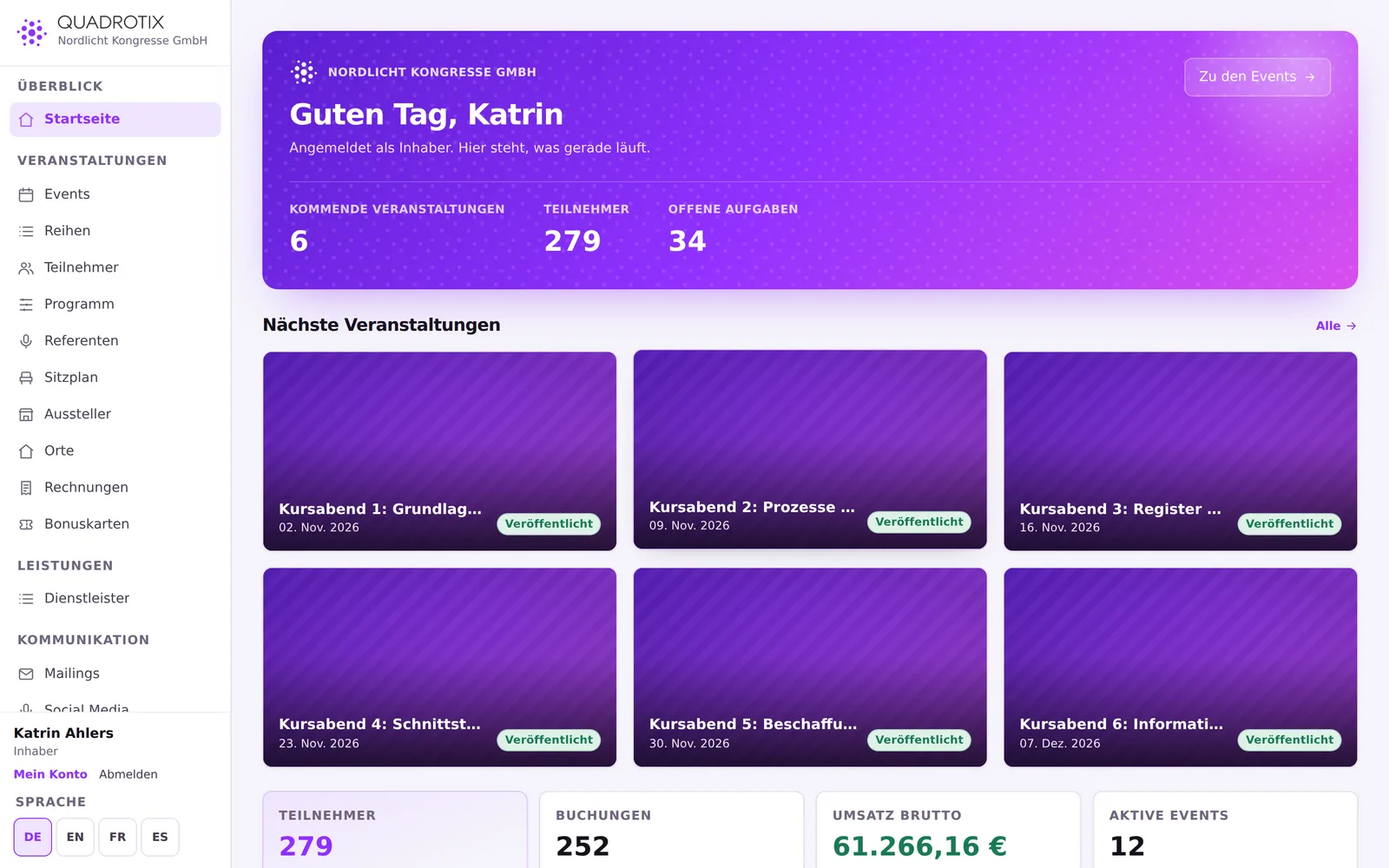
Overview of an event in the Quadrotix back office

Seating plan

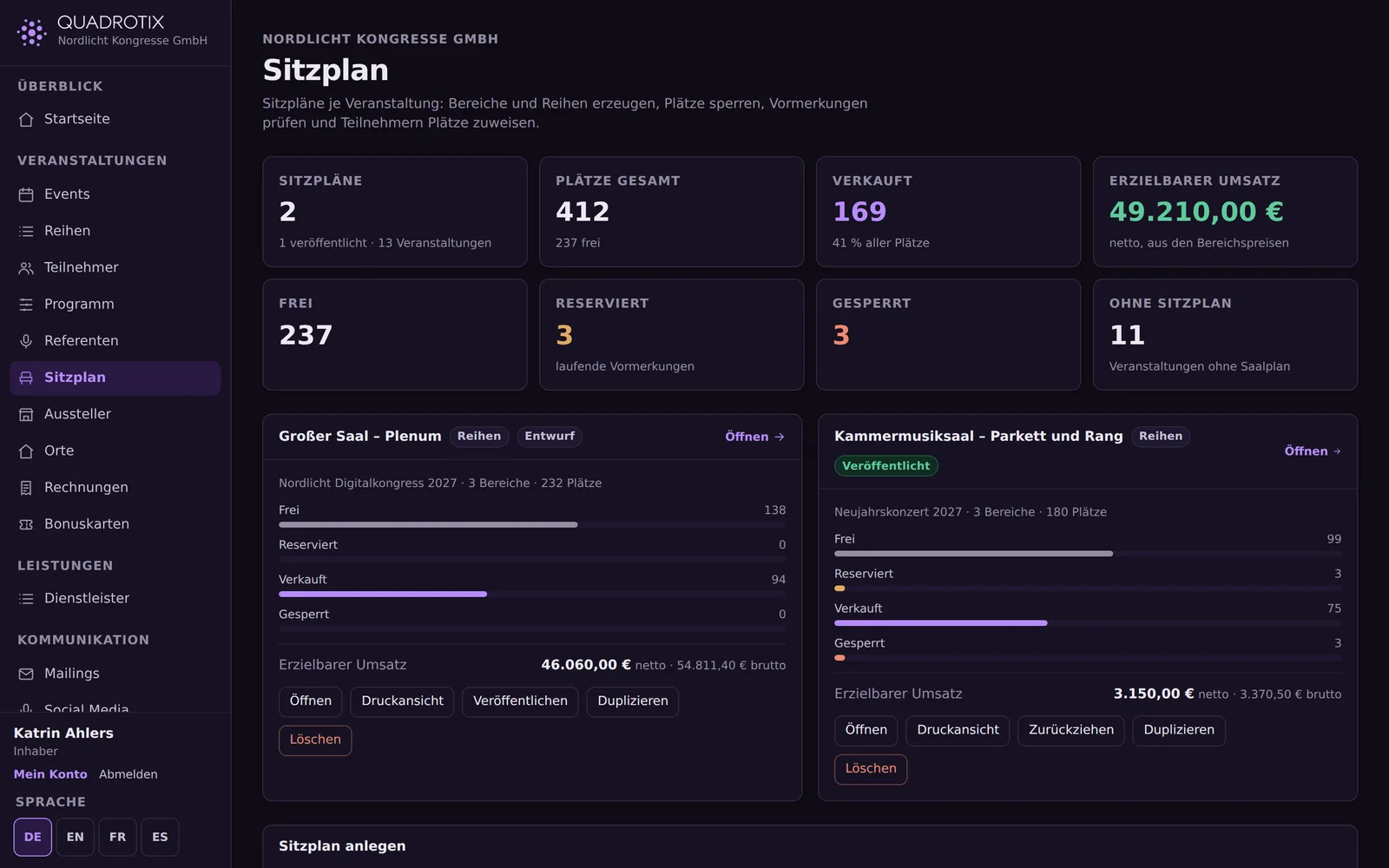
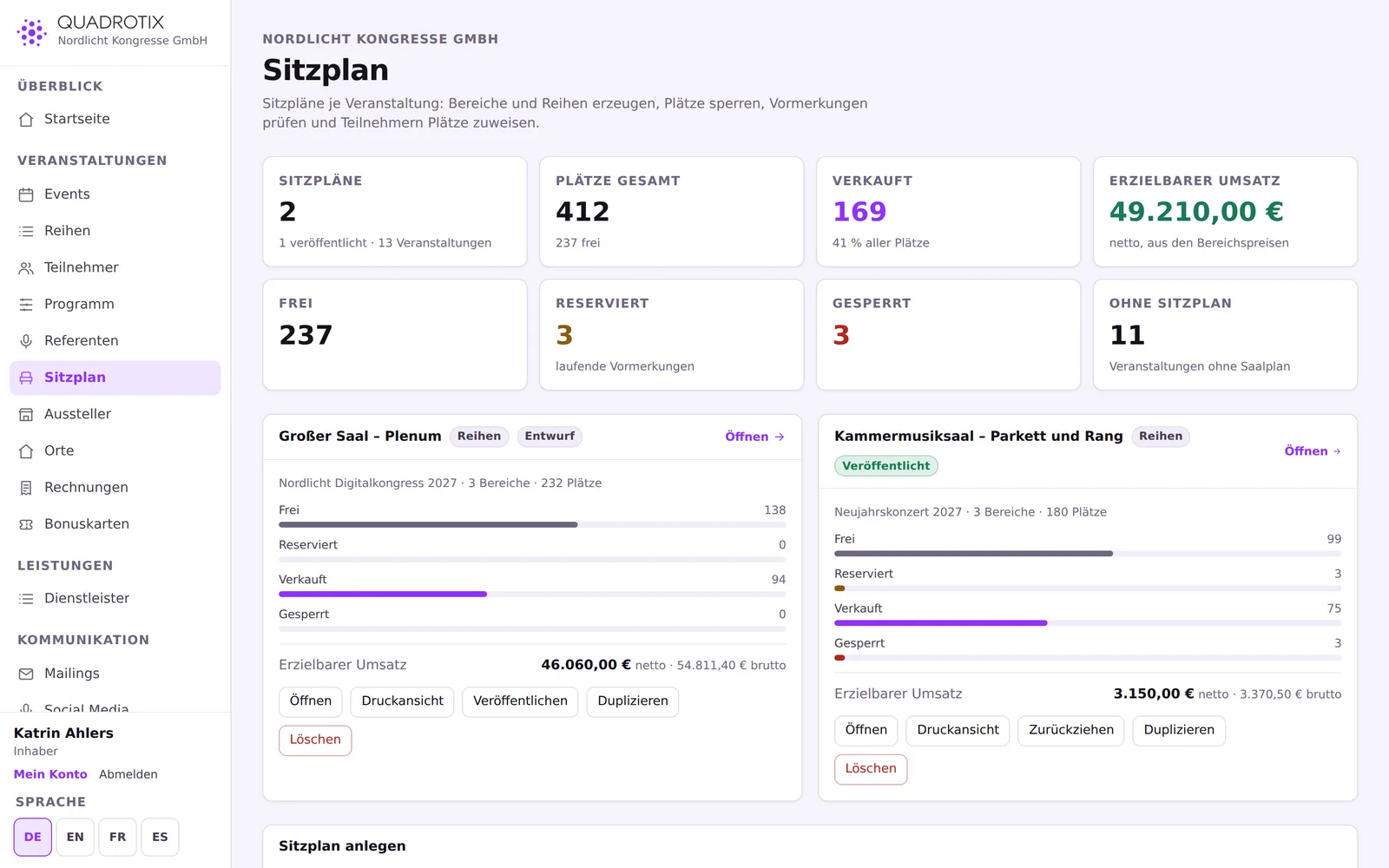
For seated venues: a graphical floor plan instead of a table.
Seating plan
Seating plan

Three area types

Numbered seats, table layouts and standing-room quotas, coloured by status or price category.

Time-limited holds

A seat stays briefly reserved during checkout, so no one else can buy it at the same time.

Printed for the door

Generate rows of seats, lock or release seats, auto-place remaining guests, and a dedicated print view.

Agenda, rooms and speakers

A schedule with rooms as columns, and the speakers who fill it.

Conflict checks

Six cases caught automatically: double-booked rooms, a speaker in two places at once, changeover times that are too short, and more.

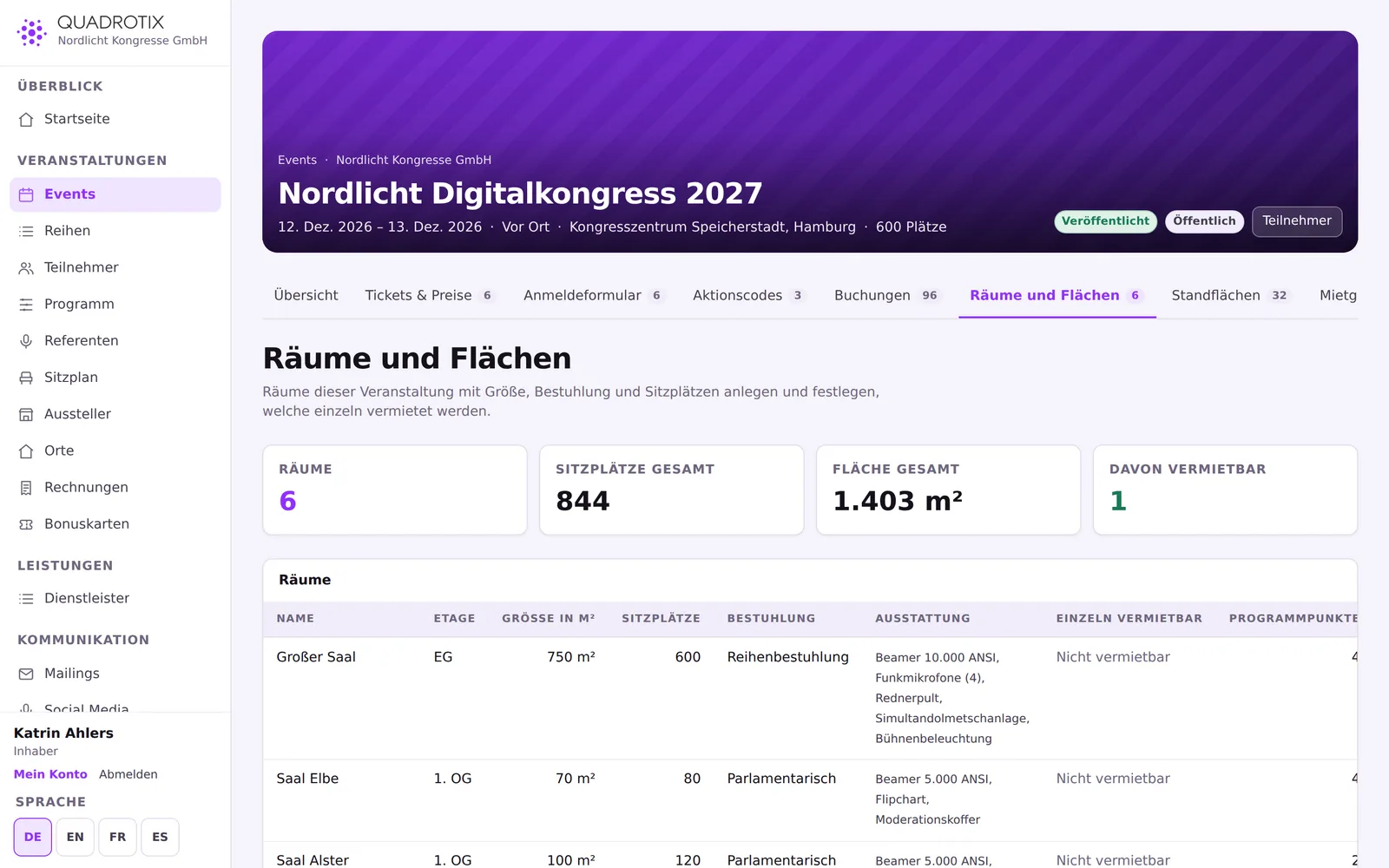
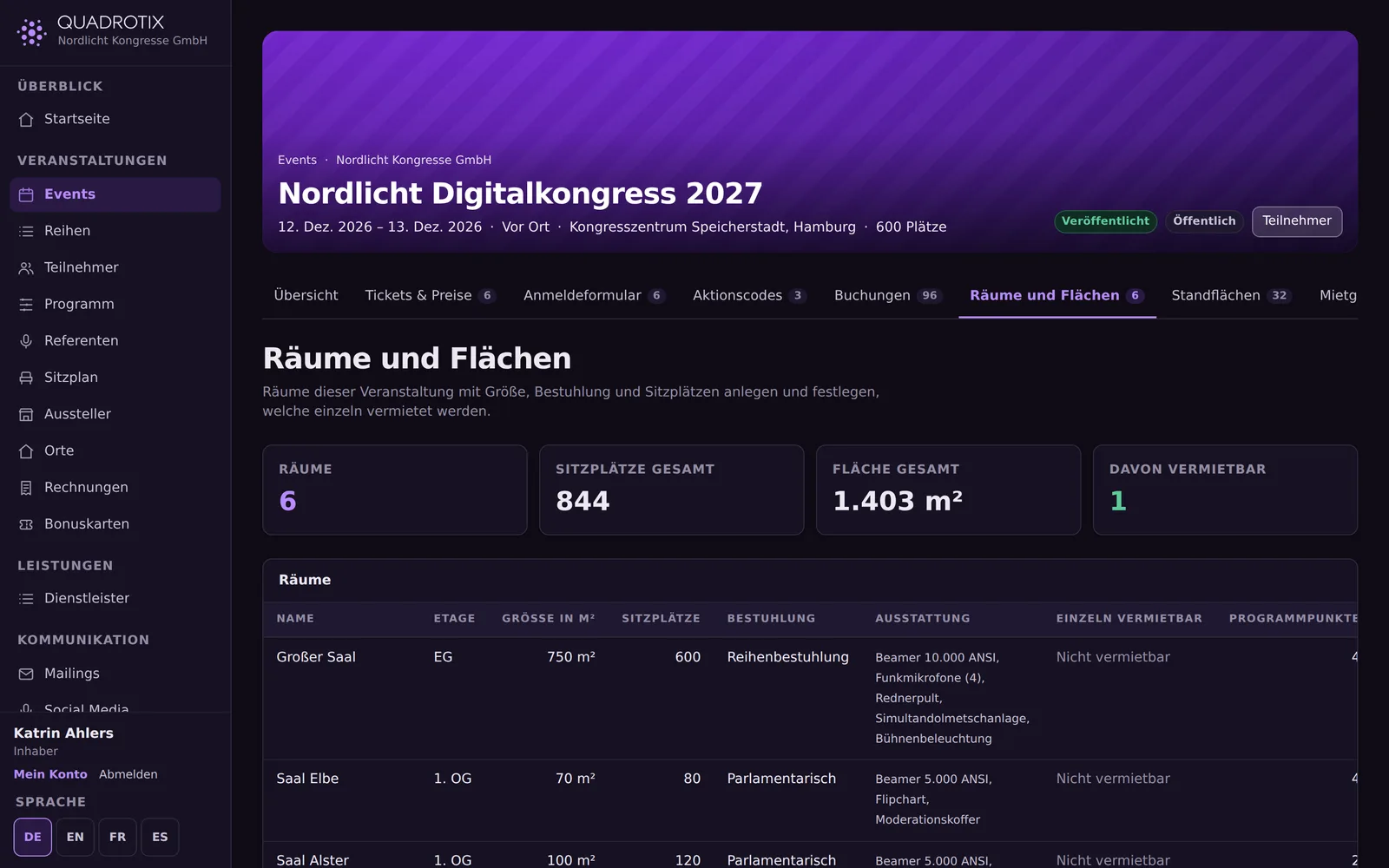
Rooms with size and layout

Square metres, seats, seating layout and equipment per room, optionally rentable by the hour.

Call for papers

A public submission form, review by your team, and one click turns a submission into a session and a speaker.
Rooms with size and layout

Trade fairs and congresses

For in-house trade fairs and congresses with several rooms and exhibition booths – Quadrotix's distinctive feature.

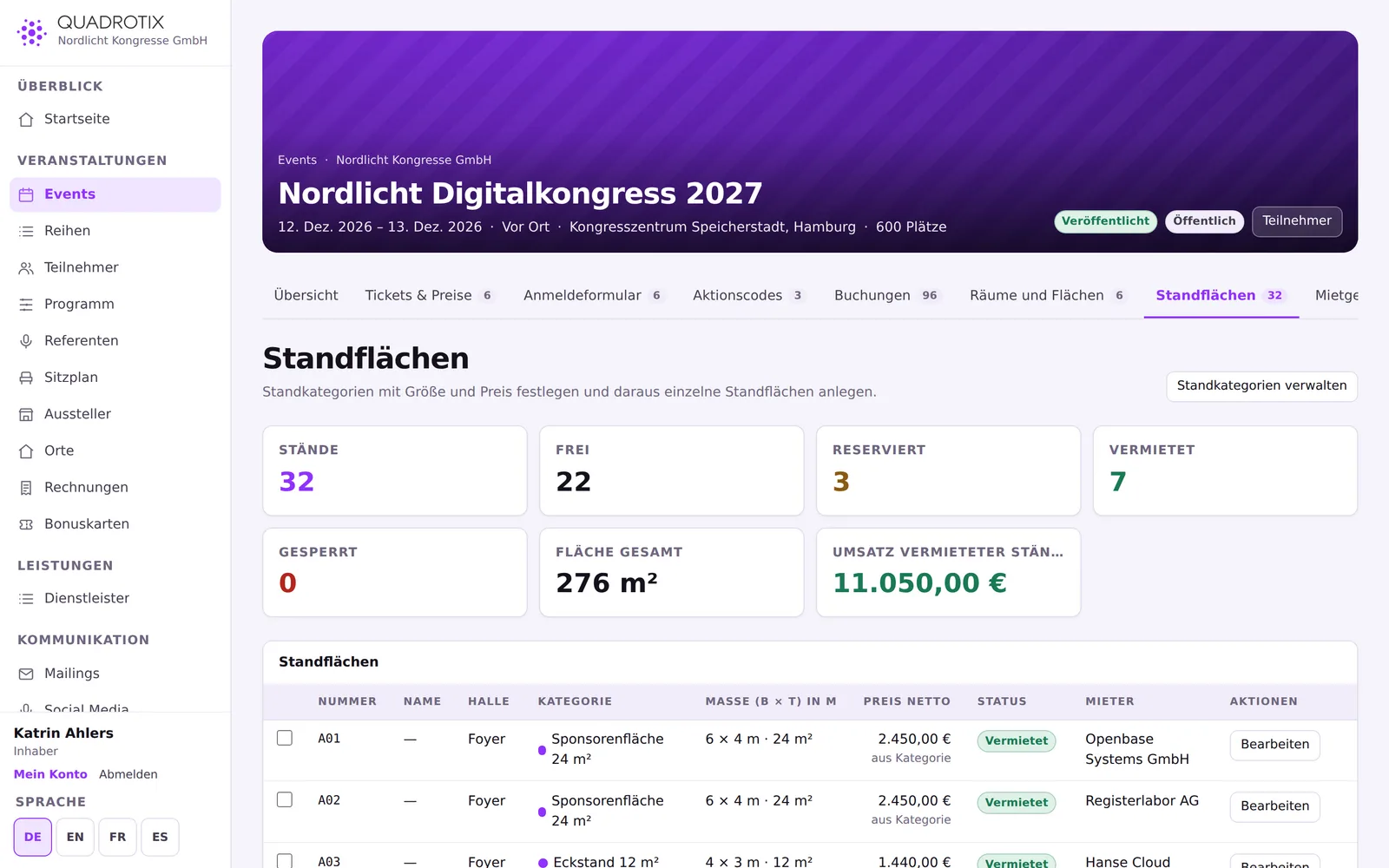
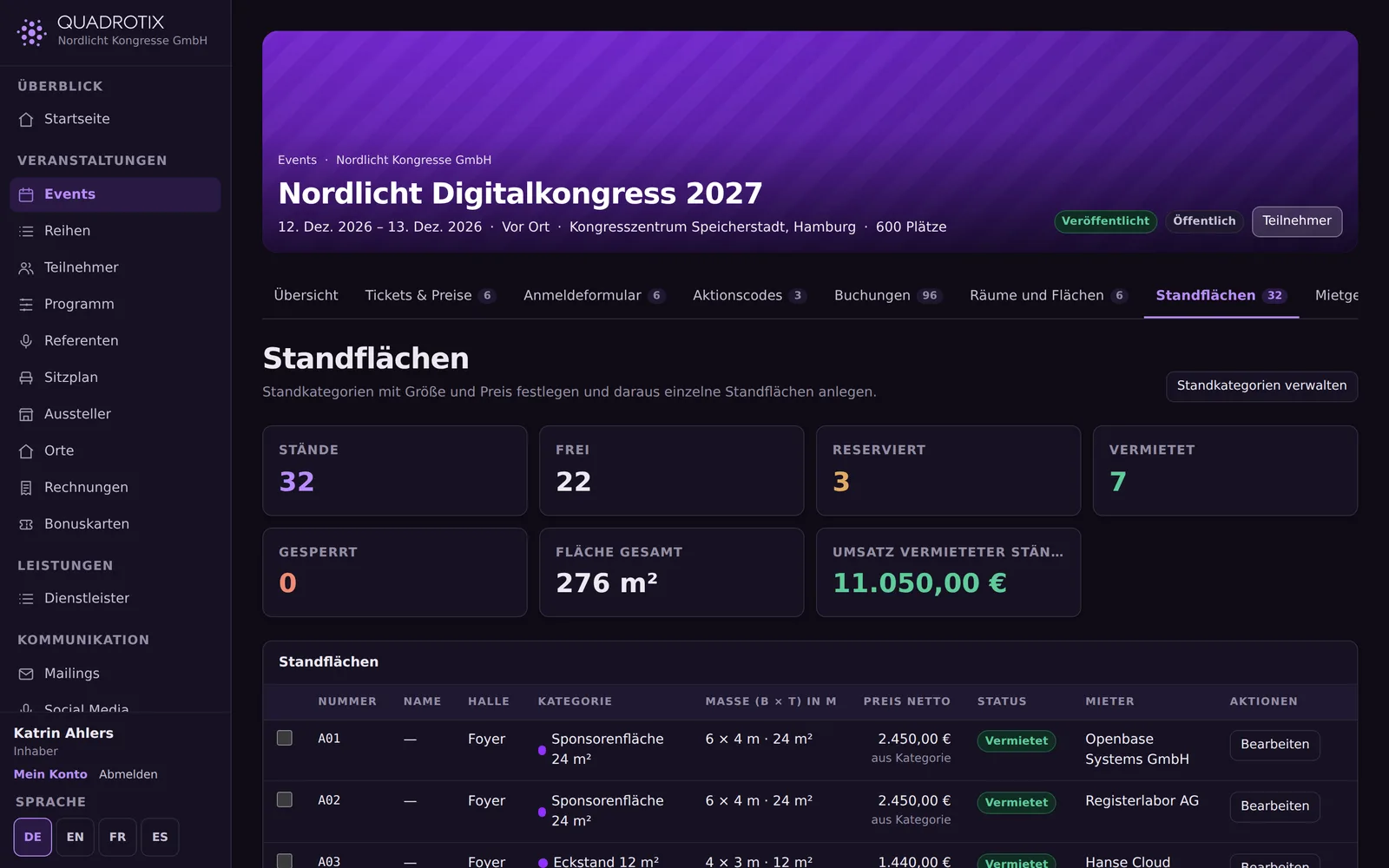
Booth categories and prices per event

Row booth, corner booth, sponsor area – each with dimensions and a price. A single booth can carry its own price that overrides the category.

Create booths as a series

Sequential numbering by pattern; numbers already taken are skipped automatically.

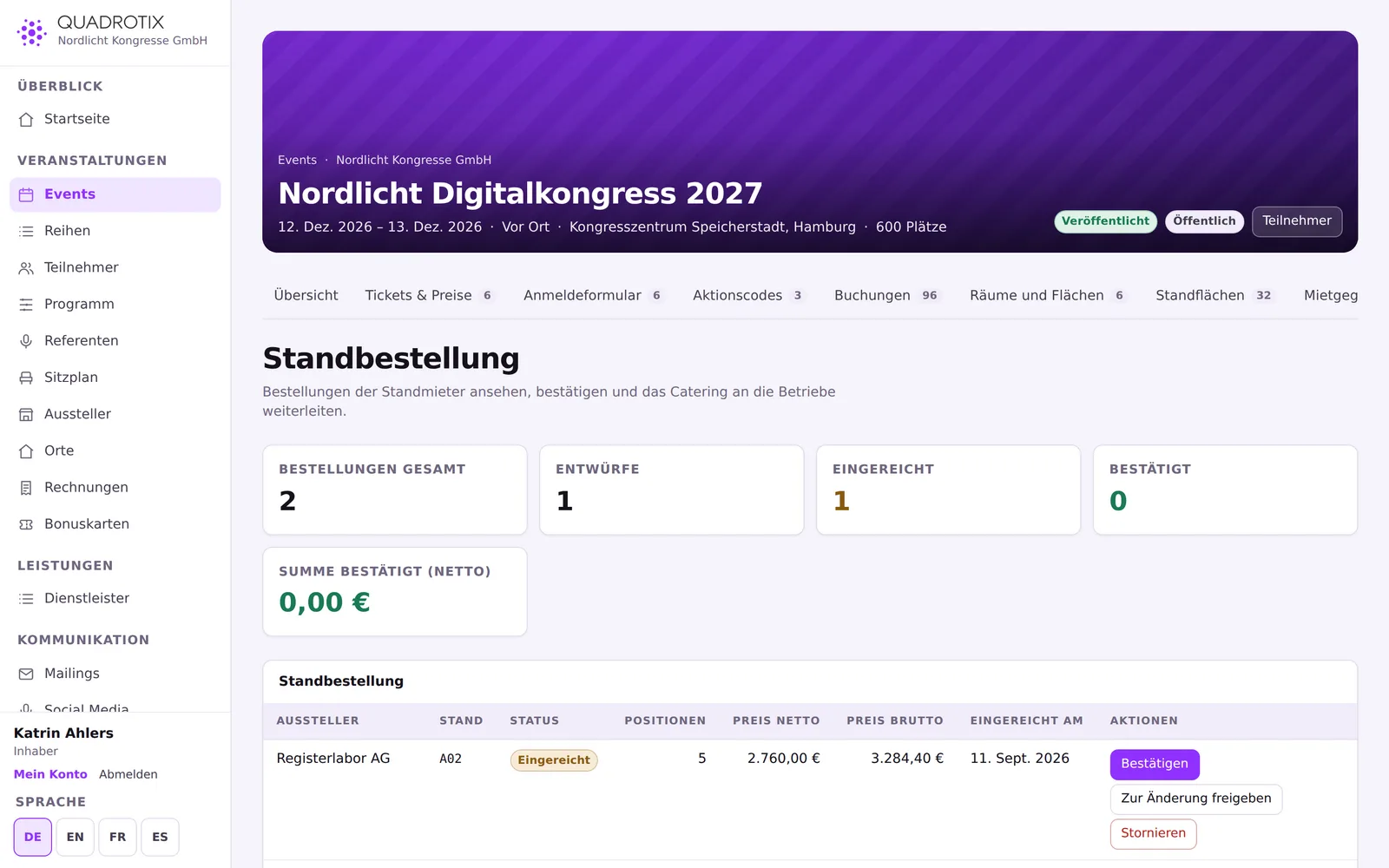
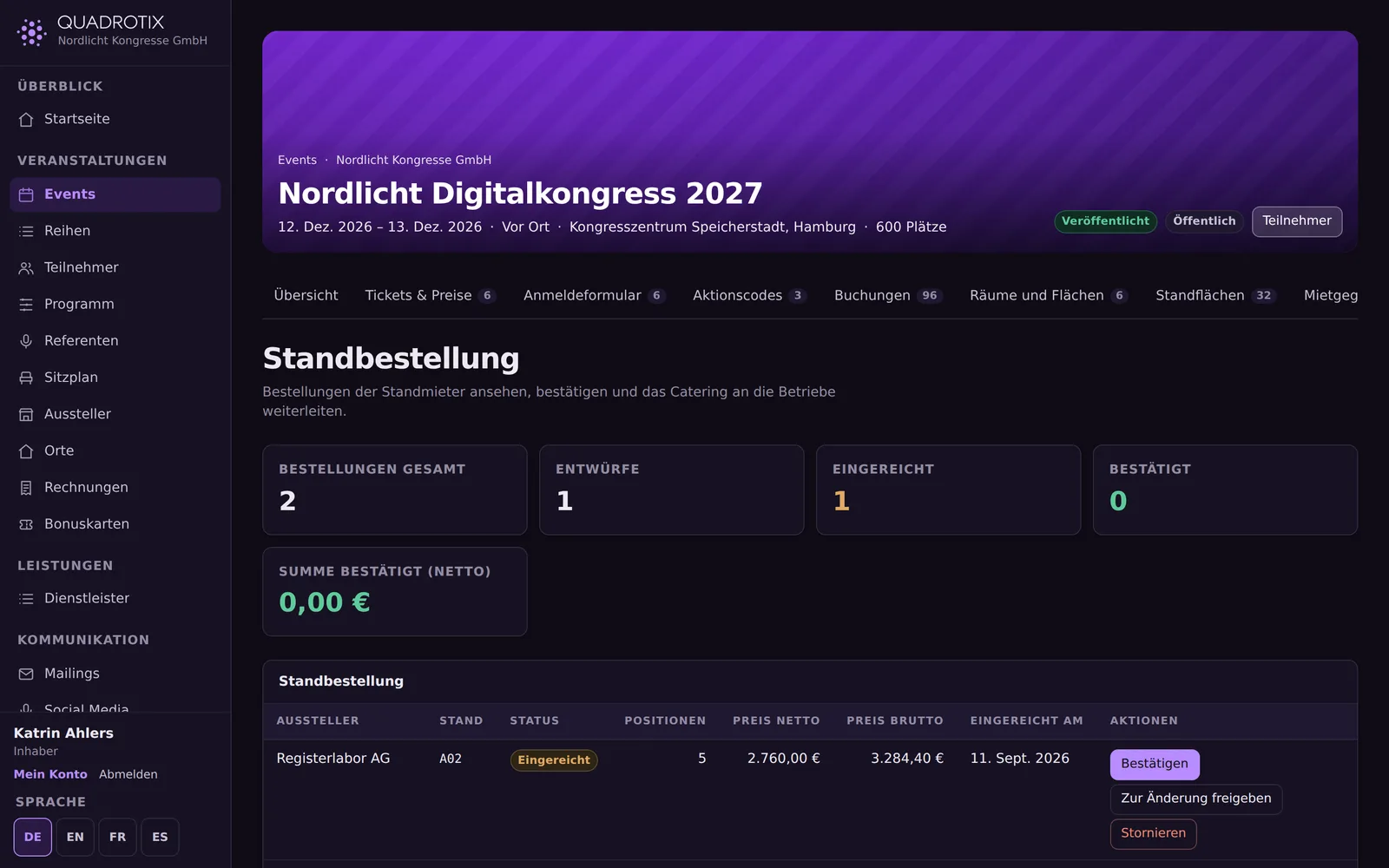
Exhibitors order for themselves

In the exhibitor portal, exhibitors choose rental items and catering for their own booth and submit the order themselves.

Catering split by congress and booths
Two combined lists instead of one: rental items across all booths, and a catering summary per supplier.
Booth overview of a trade exhibition
An exhibitor's order in the exhibitor portal

Suppliers: catering, rental, technical services

Partner businesses with their own price lists, connected to every event.

Catalogue with labelling

All 14 allergens that must be declared by EU law, dietary labels such as vegan or gluten-free, and options with surcharges.

Service presets

One click sets the usual line items for an event type, scaled up to the expected headcount.

Partner portal

The supplier maintains its own catalogue, sees its orders and confirms them – without access to the rest of the event.

Check-in, box office and cash closing

A ticket with a QR code, and a check-in point that needs no account for staff.

Scan without an app

The browser's built-in camera detection is enough; without it, a code field takes over.

Clear feedback

Checked in, already checked in, cancelled, unpaid, wrong category – every case shown in colour with a timestamp.

Box office

If a guest shows up unpaid, staff can take the payment on the spot and let them in in one step.

Cash closing with a receipt

A cash closing is never edited or deleted; the number runs without gaps per event.

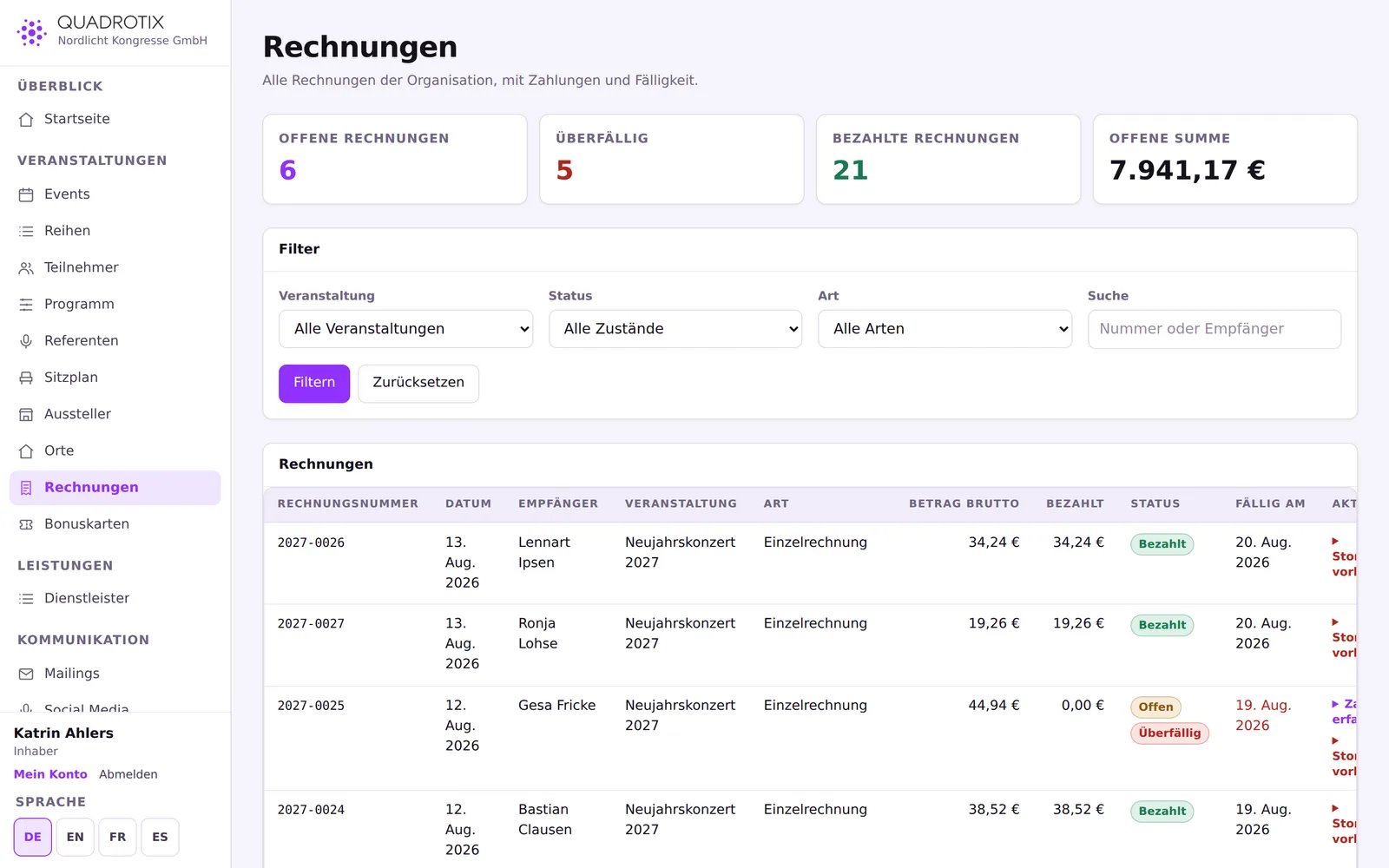
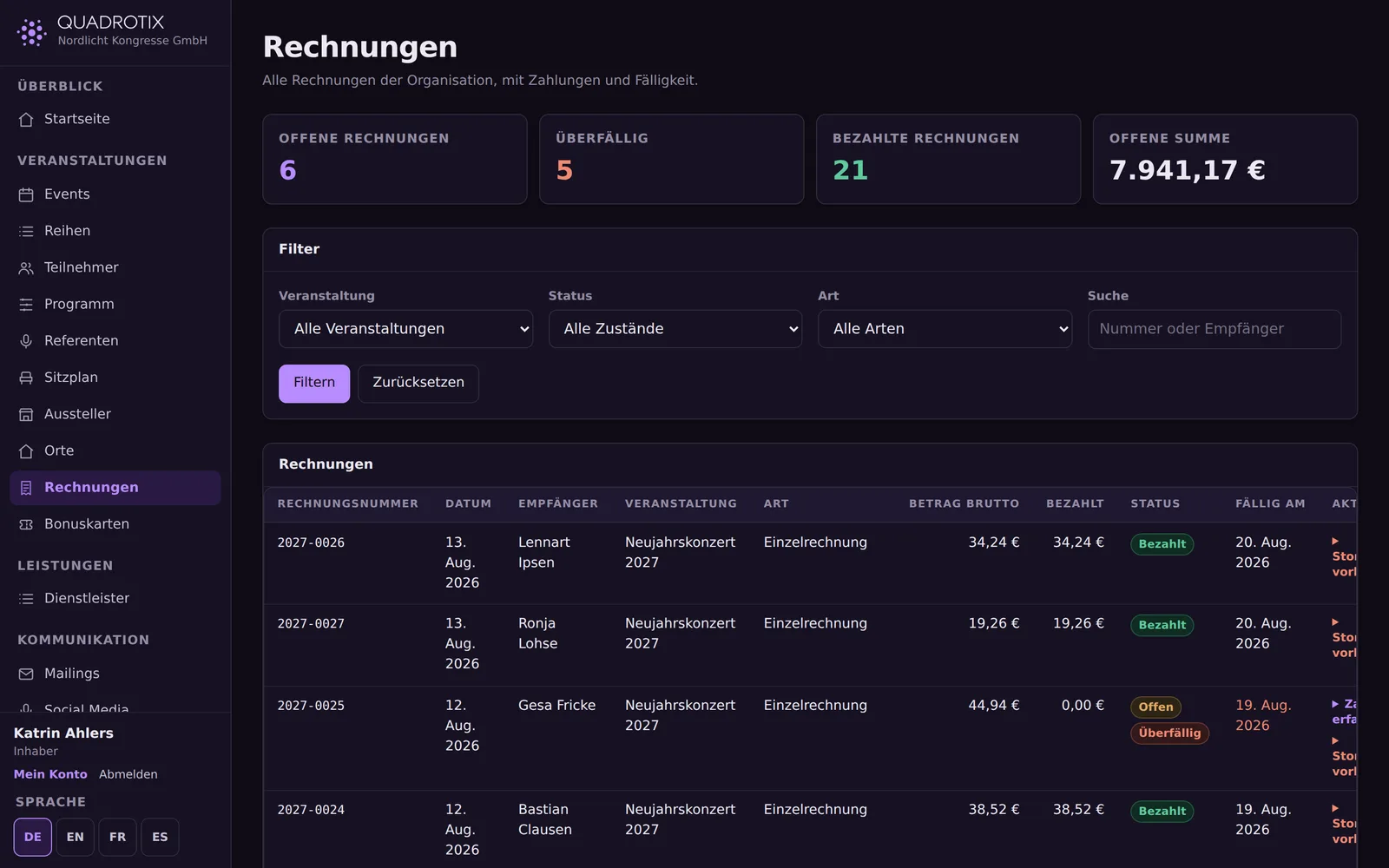
Invoices and payment methods

Three billing models, configurable per event: each person pays for themselves, a collective invoice, or free of charge.

Individual and collective invoices

A collective invoice groups several people under one billing recipient, with one line per person.

Credit notes instead of deleting

An issued invoice stays in place and is offset by a credit note; the numbering sequence stays intact.

Payment methods

PayPal and credit card via PayPal Checkout, plus bank transfer and on-site payment – enabled per event.
Invoices and payment methods

Feedback surveys and loyalty cards

What happens after the event: feedback from attendees and, where wanted, loyalty points.

Nine question types

Stars, scales, school grades, a recommendation score, choice questions and free text, optionally anonymous.

Loyalty cards kept cleanly separate

Points are calculated and recorded as an open credit; posting them to the card provider is done by hand.

Multilingual by design

Two layers, kept strictly apart: the application interface and the content you enter yourself.

Interface in four languages

German, English, French and Spanish, in full – not just the home page.

Translate your content

Event names, tickets, form fields or email texts can be maintained per language, with a progress indicator and a filter for missing translations.

API, webhooks and integrations

For everything Quadrotix shouldn't have to display itself.

Writable REST API

Events, tickets, bookings, check-in, seats, sessions and more, with idempotency keys and rate limiting.

Webhooks

Signed delivery, many event types, retries with increasing backoff, and a delivery log.

Playground

Pick an endpoint, plug in a key, run the call, and see the response right away – no separate tool needed.

Roles, permissions and accounts

Multi-tenant from the ground up, with four kinds of accounts for four different groups.

Fine-grained permissions

Individual permissions bundled into roles; system roles as templates, custom roles freely composed.

Four kinds of accounts

Staff, suppliers, exhibitors and customers each see only their own area.

Audit log

Every change can be traced and filtered.

Further building blocks

What else is included.

Images and cover photos

A photo gallery per event, with alt text for screen readers; without an image, a generated cover takes its place.

Recurring dates

Six recurrence patterns, exception dates for holidays, a preview before anything is created.

Social media

A text suggestion per network with a live character count; publishing is done by hand and marked honestly.

Venues and maps

Directions, accessibility and parking as text, plus a map that only loads after explicit consent.

See Quadrotix in action

Log in or arrange a demo – we'll walk you through the application using your own kinds of events.